
Motosu - a taskbar for Atari GEM
What is it?
Motosu is a taskbar which also offers a start menu and acts as a DHST server.In addition to traditional functionality it also offers a platform for clients wanting to publish data on the taskbar via tray items.
Notable features: Adjustable taskbar height (4 presets), persistent tabs, reordering of tabs, echoing the desktop image as taskbar texture, support for multiple instances.
Required:
Recommended:
- Shutdown app
- Finder application
- Thing desktop *
- NVDI5.03 *
- Lonny Pursell's Plugin Pack >=2.04 *[url]
- JayGroups II **[url]
Note: To allow Thing to go beyond the 8-bit *.IMG image format you may use Lonny Pursell's ThingImg >=1.07 [url]
**) Thing desktop can create GRP-files for the start menu, but if using another desktop Jaygroups II can be of great help.
Download
2026-06-16 • Motosu v1.0 (68k)2024-10-20 • Motosu v0.95 beta (68k)
2024-01-19 • Motosu v0.92 beta (68k + V4E/CF)
2023-12-31 • Motosu v0.9 beta (68k)
New in v1.0
New in v0.95 beta
history.txt for a more complete list of changes
New in v0.92 beta
AV_STARTPROG whenever launching something (Teradesk ignores VA_START)
AVSERVER starting and terminating
motosu.app)
history.txt for a more complete list of changes
Distribution notes
Motosu is released as unrestricted shareware. You may freely use and share the program as long as it is distributed in its original and unaltered archive.If you enjoy the program and want to encourage further development, the best way is certainly by sending feedback. Knowing that there are actual users that values the work put into this makes all the difference. Sending an email to
gokmase<AT>gmail.com is one way, or you could share your thoughts on it over at Atari-Forum.com. Or simply drop me a line on Discord where my handle is GokMasE#5909Screenshots of 0.95-beta
Atari Falcon/CT60
 XaAES 928x704 @ 8-bit colour (texture on, 48px PNG icons used)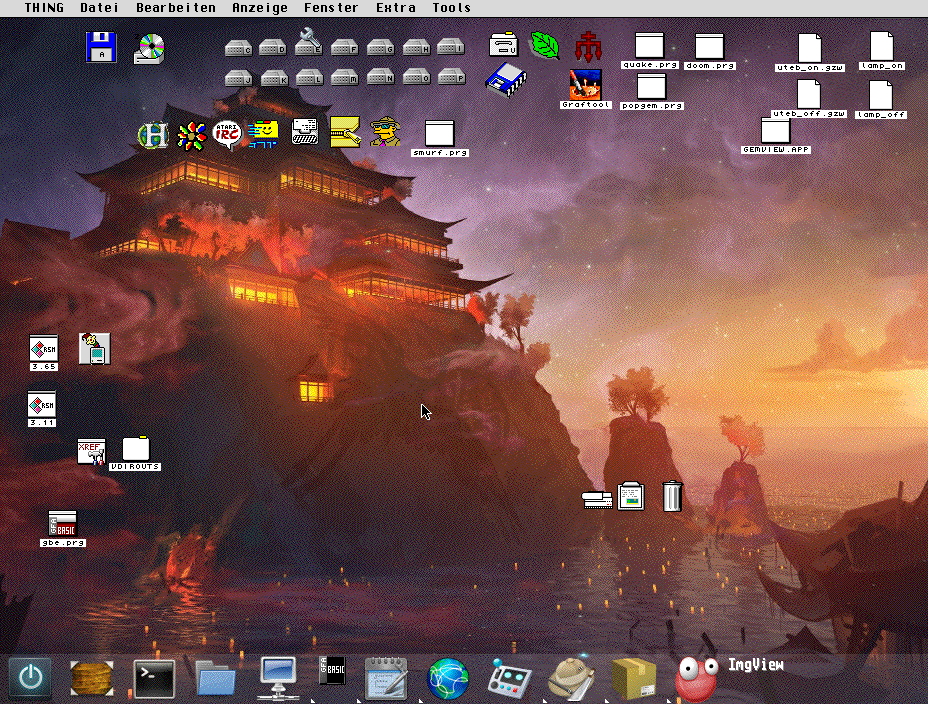
V4SA
XaAES 1280x720 @ 32-bit colour (texture on, PNG and RSC icons used)XaAES 1280x720 @ 32-bit colour (texture on, PNG and RSC icons used
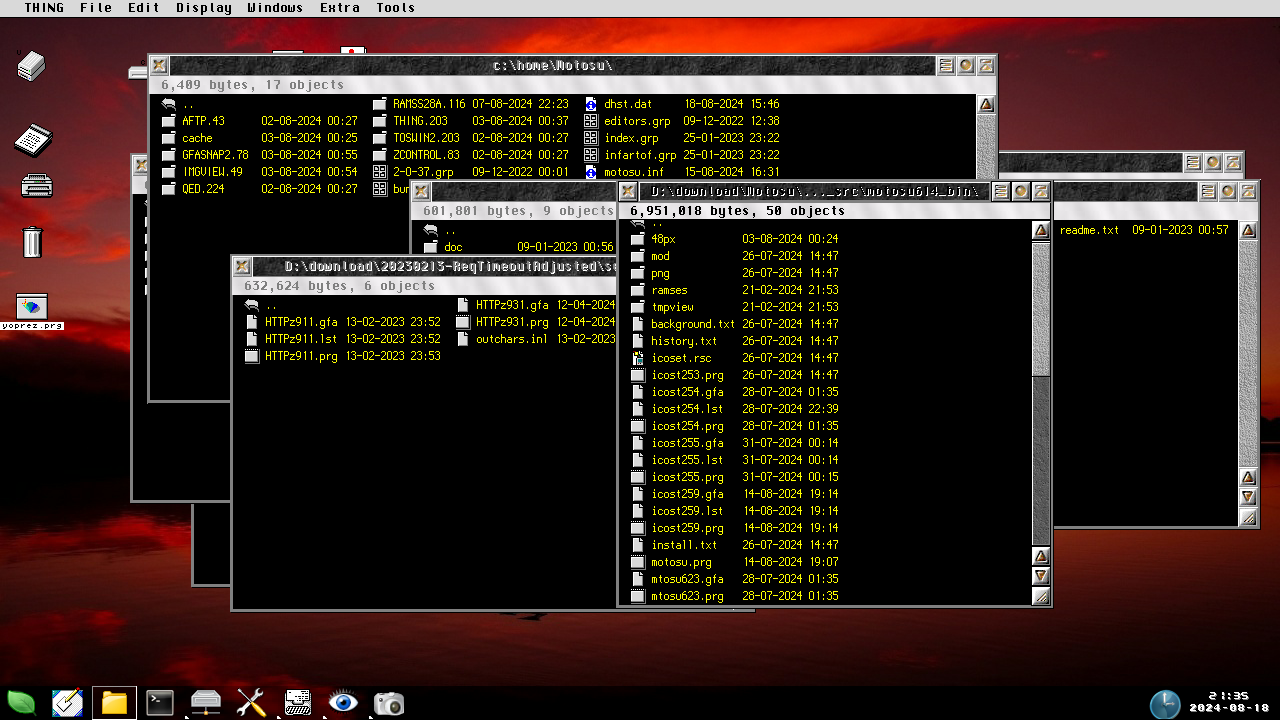
Screenshots of 0.9-beta
Atari Falcon/CT60
 XaAES 928x704 @ 8-bit colour (texture off, expanded taskbar height)
XaAES 928x704 @ 8-bit colour (texture on, expanded taskbar height)
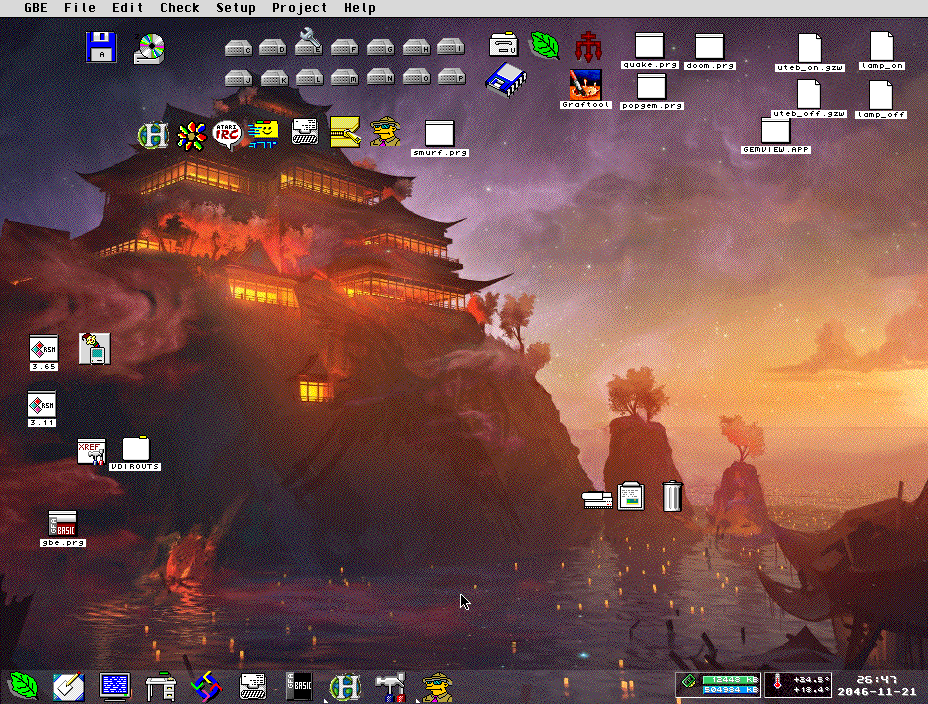
XaAES 928x704 @ 8-bit colour (texture off, compact taskbar height)
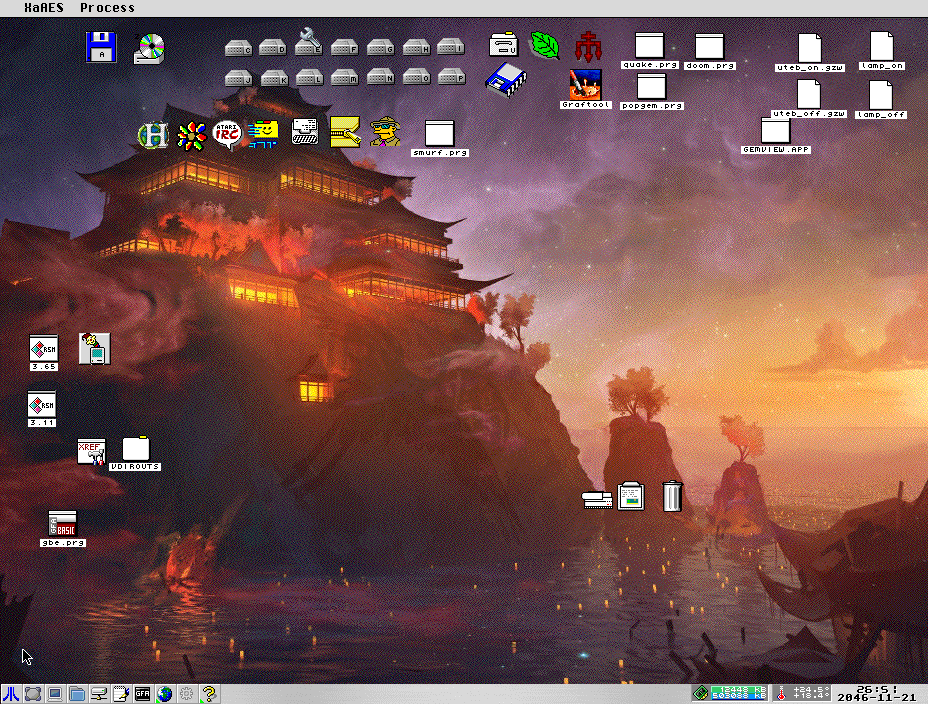
XaAES 928x704 @ 8-bit colour (texture on, compact taskbar height)
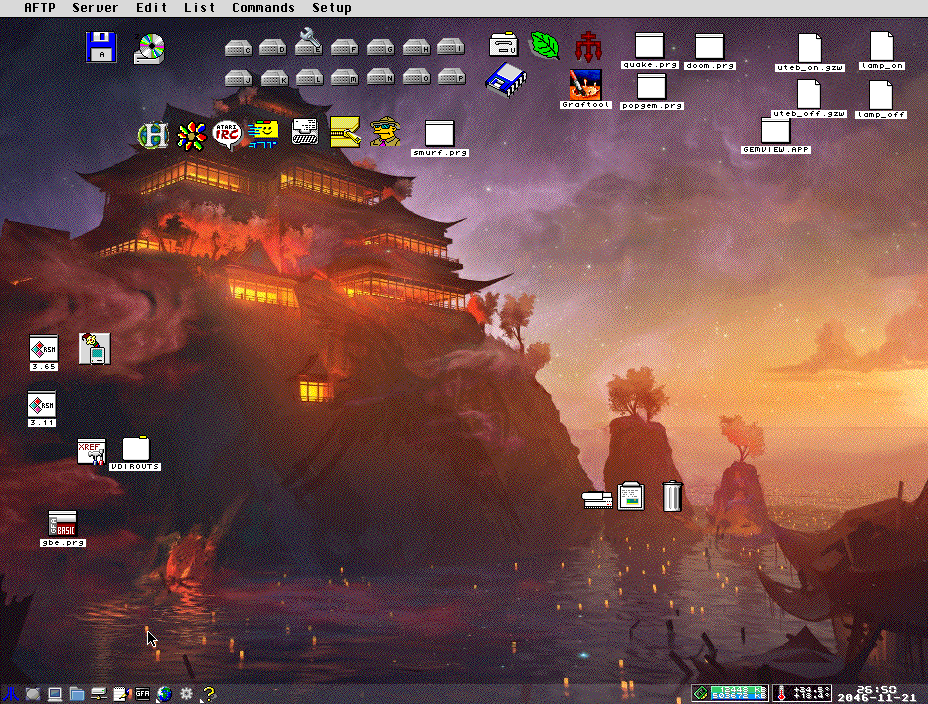
V4SA
XaAES 1280x720 @ 32-bit colour (texture off, expanded taskbar height)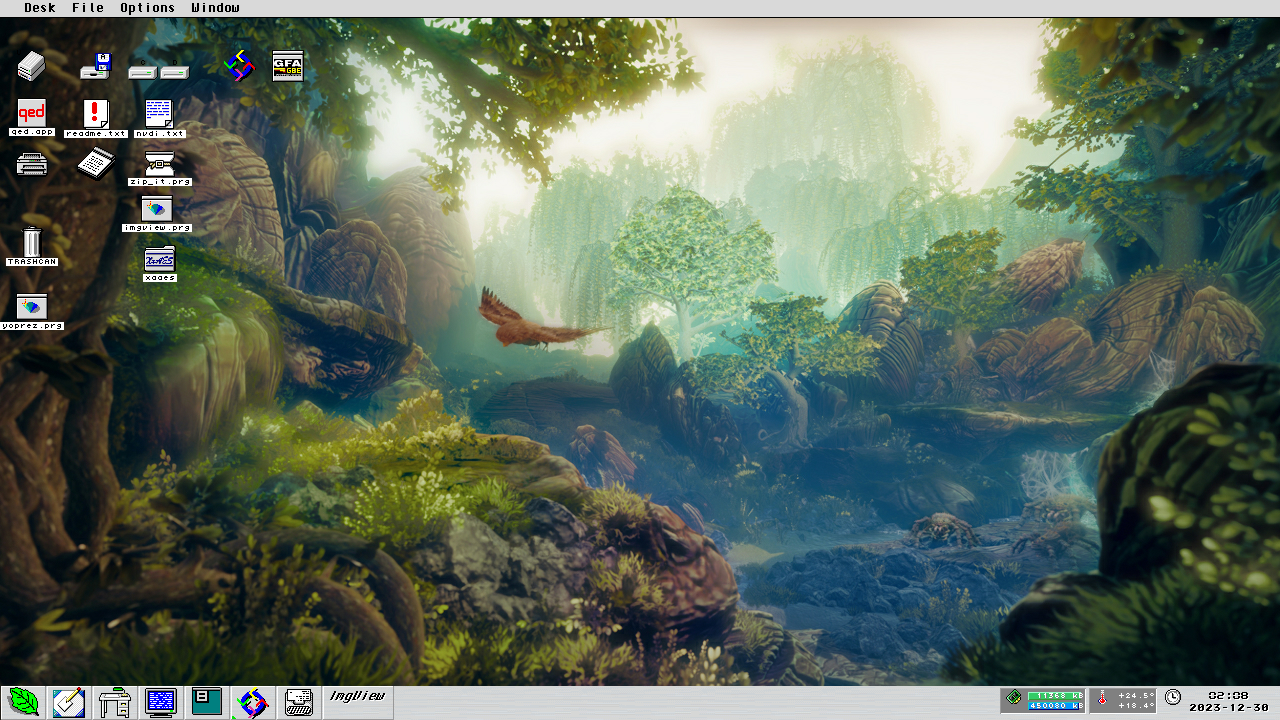
XaAES 1280x720 @ 32-bit colour (texture on, expanded taskbar height)
XaAES 1280x720 @ 32-bit colour (texture off, compact taskbar height)
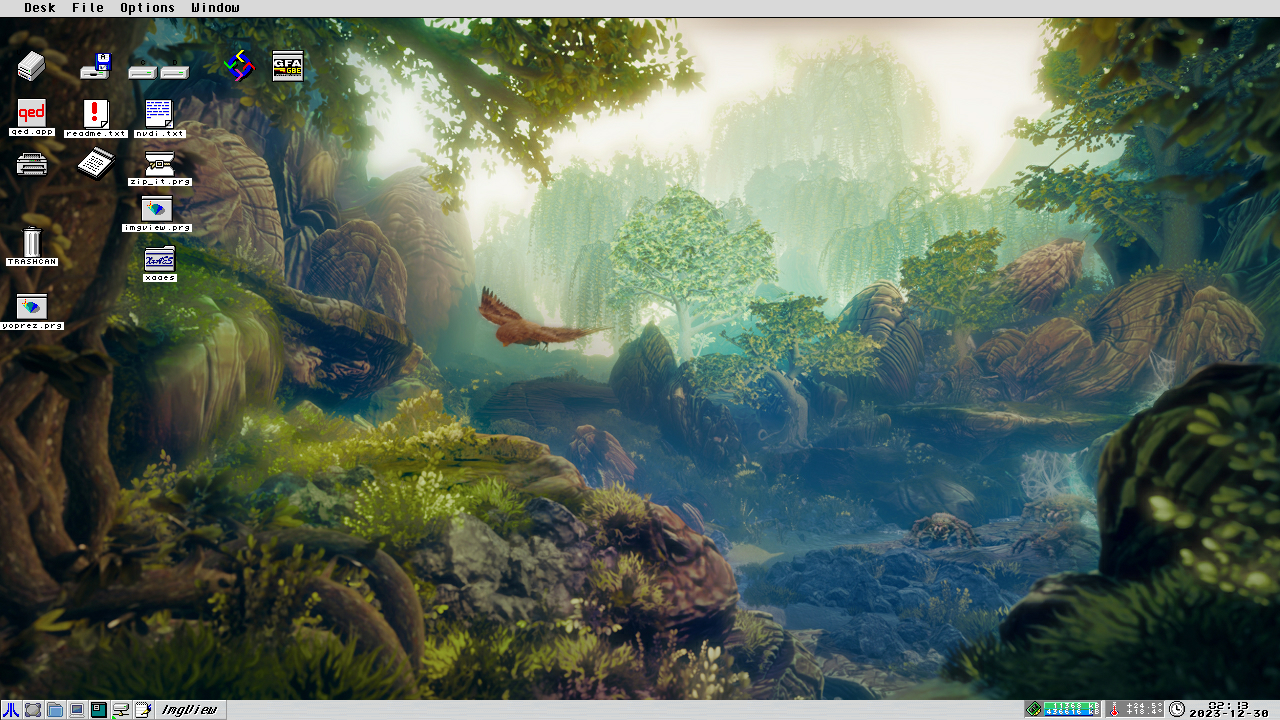
XaAES 1280x720 @ 32-bit colour (texture on, compact taskbar height)
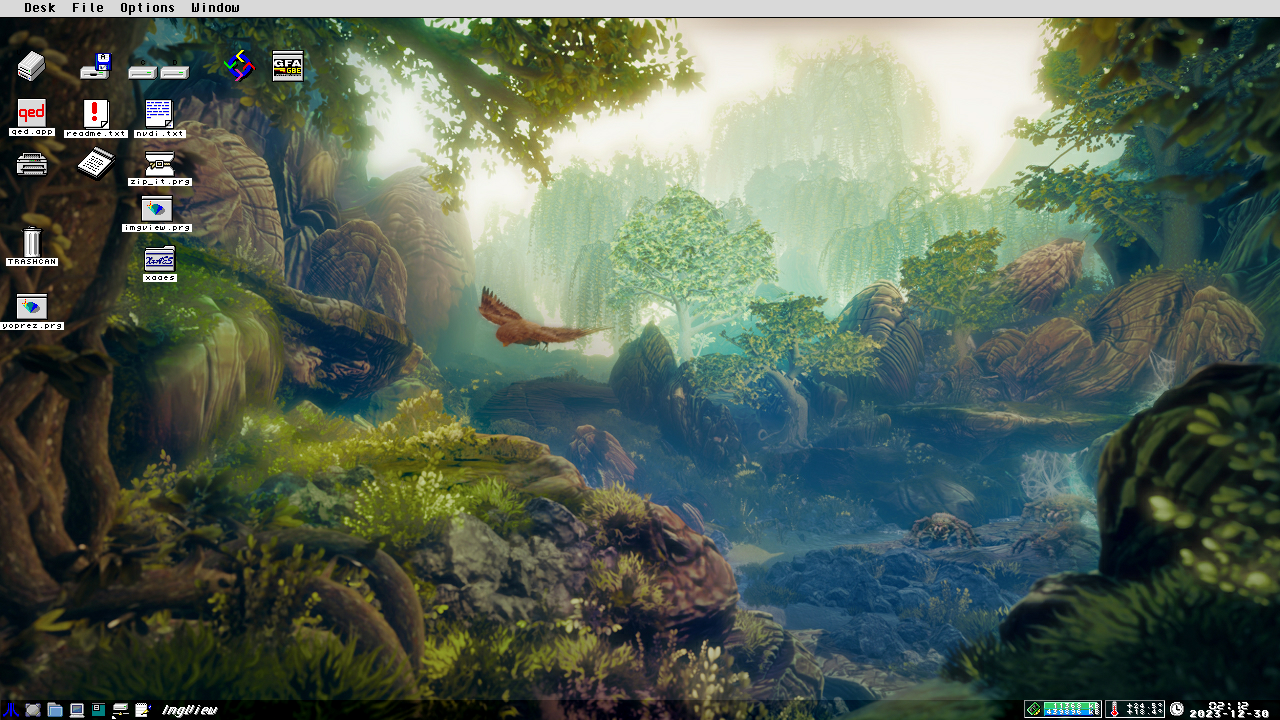
Installation
Make sure any GRP-files associated with the start menu are located at a path where Motosu will look for them. Motosu uses Thing groupfiles (*.GRP) to generate the start menu, and searches forINDEX.GRP in the following locations (in the order as listed below):/$HOME/motosu//$HOME//$THINGDIR/If not found in any of these, the workdir of Motosu will be searched as a last resort.
These environment variables are required:
$AVSERVER, $ACCPATHWhere applicable, it is highly recommended to make sure the following environment variables are set:
$HOME, $THINGDIR, $FONTSELECT, $FINDER, $SDMASTER, $TASKBAR.Some notes on spefic aspects of the environmental variables:
$THINGDIR (as documented in THING.HYP until at least v1.30) is used to speficy the path to the programs configuation and resource files. Motosu uses this for its feature to echo the desktop background image, thus requiring knowledge of the image file used.
&nsbp;
If Thing desktop for some reason does not honour $THINGDIR per the original intent, Motosu will not be able to find config file of Thing. To work around this problem you could add a symlink with the same name as the config file at $THINGDIR, pointing to the location where Thing has currently placed its config files.
A new environmental variable,
$TAPIRSERVER (Taskbar and tray API Register) is established to point applications to Motosu if they wish to either change their appearance on the taskbar or create a tray object. In the distribution archive you will find two small API demo programs, TempView and RAMses. To enable this functionality make sure to add the following to your setup:$TAPIRSERVER="MOTOSU "If XaAES is targetted you get a nice and slender appearance with the following app_options:
app_options = motosu, thinwork = true, xa_nomove = false, winframe_size = -1 (if not using textured background, you might like winframe_size = 0 betterUnzip the archive and run
MOTOSU.PRG. When first launched, the program will try to write cache files for icons and (where applicable) background textures. NOTE: Motosu will look for PNG icons in subdir /png located in its workdir. If you add further icons to the /png dir, it is adviced to add incremented numbering to the initial characters of the filenames, since the png files will be sorted before processed and their sorted order will be used as index in the resulting png cache.Failling to do this will likely result in icons settings getting messed up after adding more png icons.
The cache files are written to subdirectories of
/$HOME/motosu/cache/Motosu will save its configuration file to
/$HOME/motosu/ (if $HOME is not set, workdir of Motosu will be used instead)Discalaimer: Motosu is beta software and while it has been tested extensively to avoid instabilities and risc of doing any kind of damage to the system, it is however offered as-is and comes without any kind of warranty. Run it, use it, enjoy it - all at your own risc.
Background
Inspiration
Before anything else, let me get this out of the way: I am a big fan of Taskbar by Jo Even Skarstein. There is no denying that it has inspired more than one aspect of how Motosu is put together - it has been a major influence and inspiration. When Taskbar arrived, it was a definite game changer in how I used my Atari. Slightly due to the start menu with its features but even more so in how I could suddenly access and control the programs currently running. The way that I could interact with applications had suddenly turned a thousand times more smooth and intuitive compared to having to resort to the cumbersome application list in the desk menu.The initial spark
So why writing another taskbar? Well I was working on some unrelated code that involved logging temperature readings from wireless sensors and started thinking that it would be pretty nifty to be able to display the results somewhere. Other systems in many cases offers the possitiliby to do so in the area near the system clock, so maybe I could do that too? At some point I started toying with rough coding ideas on how to keep track of running processes as a proof of concept - and over time it all just seemed to snowball into a project of its own. It has been suggested noone really uses GEM anymore, but then again, I realized I still do.Extended ideas
In order to define some kind of place/object where I could display sensor data and similar, I came up with the concept of "Tray items". Much like the notification area in the taskbar of Windows, the area to the left of the system clock is now reserved for applications that wish to display certain information within a dedicated container labelled Tray item. This new area of display consists of an icon + two display areas. The display areas can be used to draw a level meter, display text or both. There is an API to access this of course, although documentation for that needs some touching up before I make it available.While the look of early incarnations of Motosu to some degree was an echo of what Taskbar had accomplished, the development has since been aimed at creating something that more distinctly offers a unique identity. I can only hope I succeeded in doing that.
Project basics
General ideas
I am basically creating a system utility tailor made to suit my own needs, hence the look and feel as well as the system requirements will naturally reflect my setup and how I use my Atari. Rather than aiming for maximum compatibility with every system combination imaginable, I decided in a fairly early stage of development that I want to use a different approach. The idea is to take advantage of any OS/AES function that simplifies the task of reaching the desired goals, and therefore Motosu has been written with FreeMiNT in mind from the get go. The program heavily relies on a number of kernel function to keep track of vital data and it may also be noted that shared memory is utilized for client interaction.Compatibility
When it comes to Geneva I have sadly decided that it is missing too many of the crucial functions to be easily supported. As for MagiC, I would expect it to potentially have fewer incompatibilities since it shares quite a few of the more advanced functions with MiNT. However, already from the start I decided that I would much rather spend more time developing the application further than regularly checking for compatibility with MagiC. Motosu relies heavily on a faithful implementation ofappl_control() to function properly. It is worth pointing out that the hiding feature in particular needs to be implemented accurately by the AES and function on an application level rather than at window level, or else APC_HIDE, APC_SHOW, APC_TOP will not work as intended. To achieve the expected response to user input the best candidates are likely going to be the original AES 4.1 by Atari, XaAES and N.AES.
Development details
Motosu is coded in GFABASIC and is taking advantage of several of the new GFA commands made available up until v3.73+ which is what I currently use. The program is being developed on a Falcon/CT60@100/25mhz with 14+512Mb and frequently tested on an EmuTOS-powered V4SA. My configuration on both setups are based on FreeMiNT + XaAES with Thing desktop as AVSERVER.
GokMasE © 2020-2026 - Motosu is a YesCREW production